Cart, offcanvas, confirmation
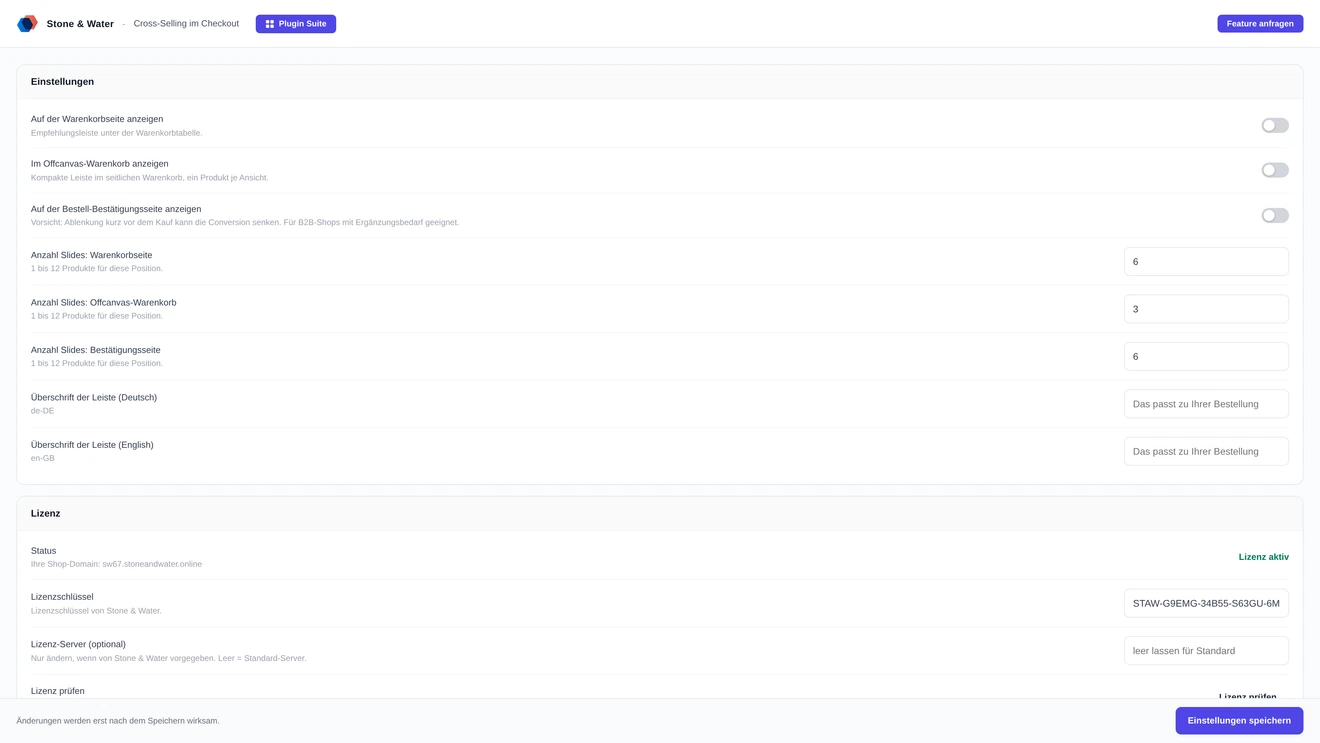
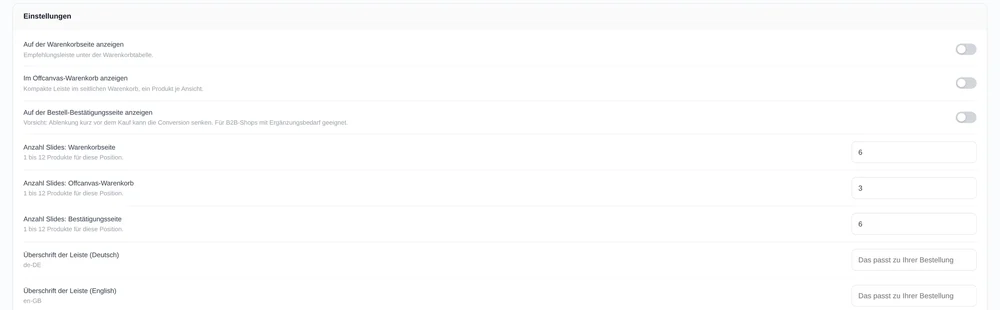
Each of the three positions can be switched on and off separately. You can recommend only in the offcanvas cart and leave the confirmation page alone.
Your cross-selling assignments are maintained - but visible only on the product detail page. This plugin shows the same assignments where the cart is still open: on the cart page, in the offcanvas cart and on the order confirmation page.
A short look, recorded right in Shopware.
The plugin brings no analysis of its own and creates no second assignment table. It reads the cross-selling entries you maintain in Shopware anyway and shows them during checkout.
Each of the three positions can be switched on and off separately. You can recommend only in the offcanvas cart and leave the confirmation page alone.
Candidates are collected across all products in the cart and weighted. Anything already in the cart is not recommended again.
A variant without its own assignment falls back to the parent product's. You do not have to maintain every variant separately.
You maintain the heading per language. If nothing is set, the theme's snippet is used.
The strip only scrolls when there is something to scroll, and product images keep their natural aspect ratio - even when the theme tries to force something else.
Adjustable per position, from one to twelve. The defaults are six on the cart page, three in the offcanvas cart and six on the confirmation page.
Limited per position: 200 pixels on the cart page, 180 pixels with one product per tile, 140 pixels in the offcanvas cart. The tile runs in display mode "standard"; a fixed aspect ratio forced by the theme is overridden.
They appear only when not all tiles fit side by side. With a single recommendation they disappear entirely. The check also runs after a window resize and for the lazily loaded offcanvas cart.
One package for Shopware 6.6 and 6.7. The licence check works as in all Direct plugins and causes no network call per page view.
The result is cached for six hours. If the licence server cannot be reached, a grace period of three days applies. Without a valid licence the recommendation strip is not rendered.
Two routes, the same feature set - pick whichever suits your setup.
All prices net plus VAT.
Download the free Plugin Suite and upload it in the admin, no SSH needed. It installs and updates the plugin with one click. You buy the licence directly from us, with an invoice from us and support straight from the developer.
The plugin will be listed in the official Shopware Community Store. Installation and automatic updates then run through the plugin manager in the backend, billing through your Shopware account. As soon as it is available we will link it here.
No. The plugin reads exactly the assignments you have already maintained in Shopware.
No. Anything already in the cart is removed from the candidates.
A variant without its own assignment inherits the parent product's.
Yes, all three can be switched separately.
Yes. One package covers both 6.6 and 6.7.