Channel default and domain
The channel default applies to all domains of a sales channel. If a single domain needs something else, it gets its own version that applies only there.
Shopware delivers the same default rules for every domain. This plugin replaces that output with text you define per sales channel - and per domain where needed. With templates, preview, hints and a live check of the file actually delivered.
If nothing is stored for a domain or the version is switched off, Shopware delivers its default as usual. The plugin replaces nothing silently.
The channel default applies to all domains of a sales channel. If a single domain needs something else, it gets its own version that applies only there.
A sitemap line is appended for every domain on the host. Lines already in the text are not repeated.
Shopware default, Shopware default with AI training blocked, Google unrestricted, allow everything, block everything - the last one for staging environments, for instance.
Fetches the domain's robots.txt and compares it with the stored version. Shows whether a cache serves an older version or a different file is in the way.
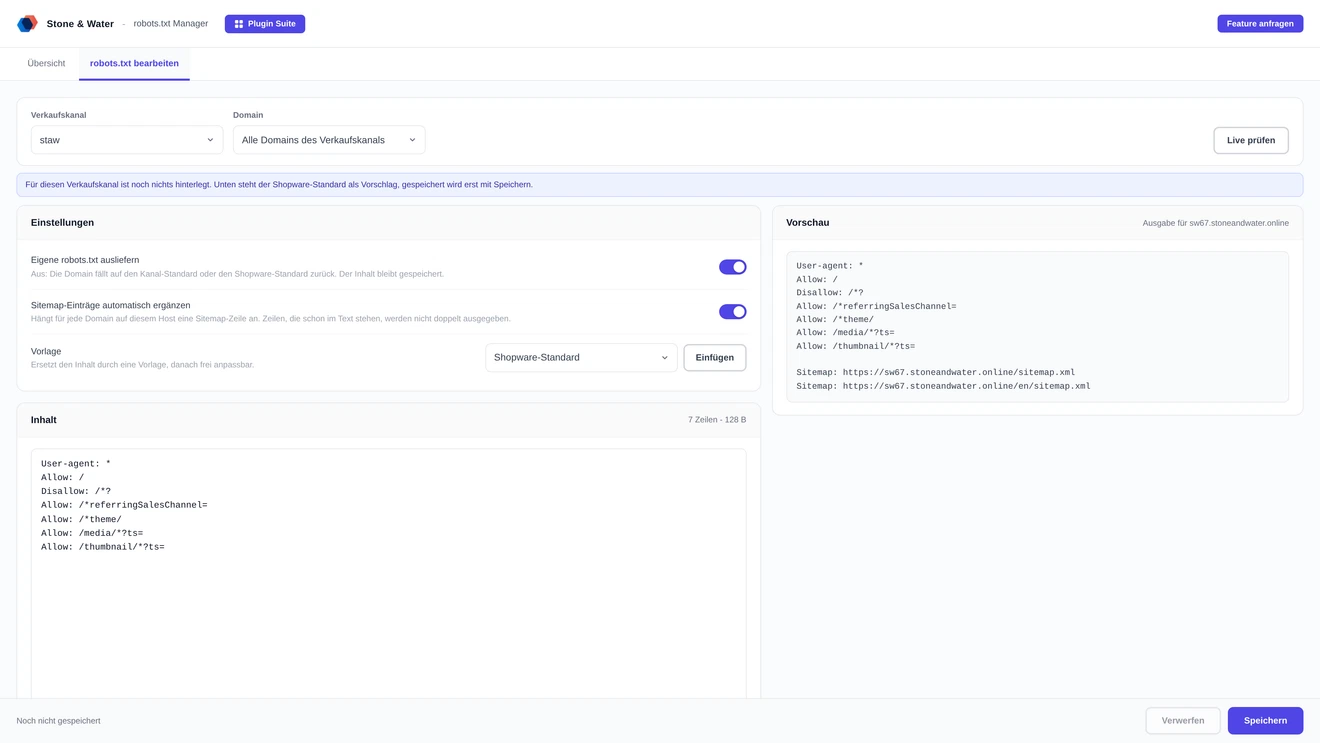
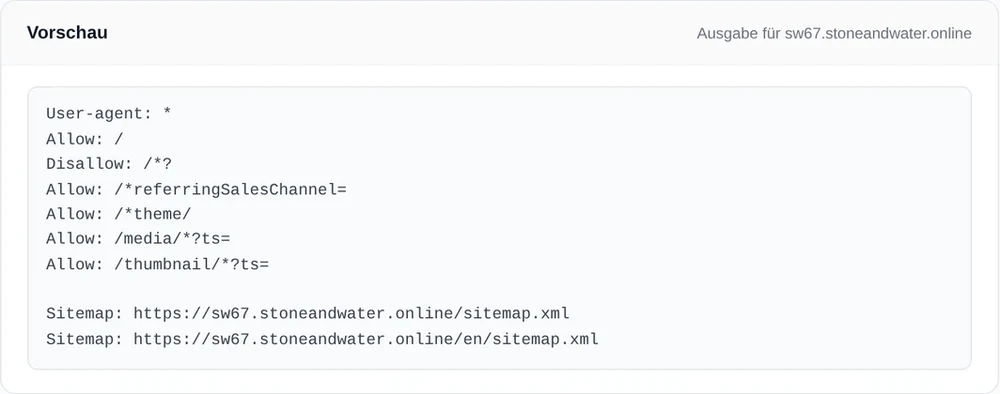
The preview shows exactly the text that will be delivered, including the sitemap lines. Below it, hints point at typical mistakes. They do not block saving, they just draw attention.
Disallow: / for all crawlers, which blocks the whole site. Lines without a colon or unknown directives. Rules before the first user-agent line. Paths not starting with / or *. Sitemap without a full address. Noindex and crawl-delay, which Google ignores. And files over 500 KiB, because Google reads no more than that.
A physical robots.txt in the public folder is served directly by the web server, so Shopware never gets a turn. The plugin detects this and can rename the file, keeping it as a backup. Redirect rules in the .htaccess and an active staging mode are detected as well.
One package for Shopware 6.6 and 6.7. On 6.6 and 6.7.0 the plugin answers the request itself; from 6.7.1 on it replaces Shopware's own output.
Two routes, the same feature set - pick whichever suits your setup.
No booking needed, no term.
Download the free Plugin Suite and upload it in the admin, no SSH needed. It installs and updates the plugin with one click. You buy the licence directly from us, with an invoice from us and support straight from the developer.
The plugin will be listed in the official Shopware Community Store. Installation and automatic updates then run through the plugin manager in the backend, billing through your Shopware account. As soon as it is available we will link it here.
Then Shopware delivers its default, exactly as before.
Yes, as long as they are separate hosts. A robots.txt always applies to a whole host - domains with a path such as shop.de/en therefore share the file of shop.de.
Yes, there is a ready-made template. It blocks GPTBot, ClaudeBot, CCBot, Google-Extended, Applebot-Extended, meta-externalagent and Bytespider - search assistants stay allowed.
Without "keep data" the table with all content is removed, after which the Shopware default applies again.