No iframe in the source
The replacement happens on the server on the finished HTML. The visitor never receives a YouTube iframe in the first place - none can be found in the page source.
Instead of the full player, a preview image with a play button appears. YouTube is only loaded on click - that saves up to a megabyte per video and sets no cookies until then.
The plugin replaces every YouTube iframe in the fully rendered storefront HTML with a lightweight preview element: an image with a play button. Only on click is the real player loaded - and it starts right away.
The replacement happens on the server on the finished HTML. The visitor never receives a YouTube iframe in the first place - none can be found in the page source.
After the click the video plays straight away, without a second click on a YouTube play button. On iOS and Android too.
Every iframe from youtube.com and youtube-nocookie.com is caught, whether it comes from the template, from a product description in the editor or from a shopping experience element.
Videos inside closed modals are converted as well. The preview image can additionally be loaded lazily so it is not fetched on page view already.
Closing a modal with a running video stops the sound. And when switching between the tabs of a product page, the video stays operable.
If a theme already ships its own element named lite-youtube, the plugin stays out of the way and leaves it to that one - otherwise two implementations would interfere.
An embedded YouTube video loads the complete player on page view, whether anyone presses play or not. With four videos on a product page that adds up to several megabytes.
Instead of the player, only a preview image with a play button appears. YouTube is loaded when someone presses it - and the video starts straight away, without a second click.
That shows directly in the PageSpeed score, particularly on mobile devices and on pages with several videos.
Without a click there is no connection to YouTube and no cookies are set. With locally stored preview images, no IP address reaches Google either.
The plugin works on the fully rendered page and replaces the iframes there. No template change, no child theme - a theme update cannot disable it.
From the template, from a product description in the editor or from a shopping experience element - every YouTube iframe is caught, from youtube.com as well as youtube-nocookie.com.
Vimeo, Google Maps and other providers stay untouched. So do iframes inside scripts, templates, text areas and comments, and videos a lazy loader fetches anyway.
How the preview image arrives decides how much privacy is actually gained. Three routes are available, plus control per path and sales channel.
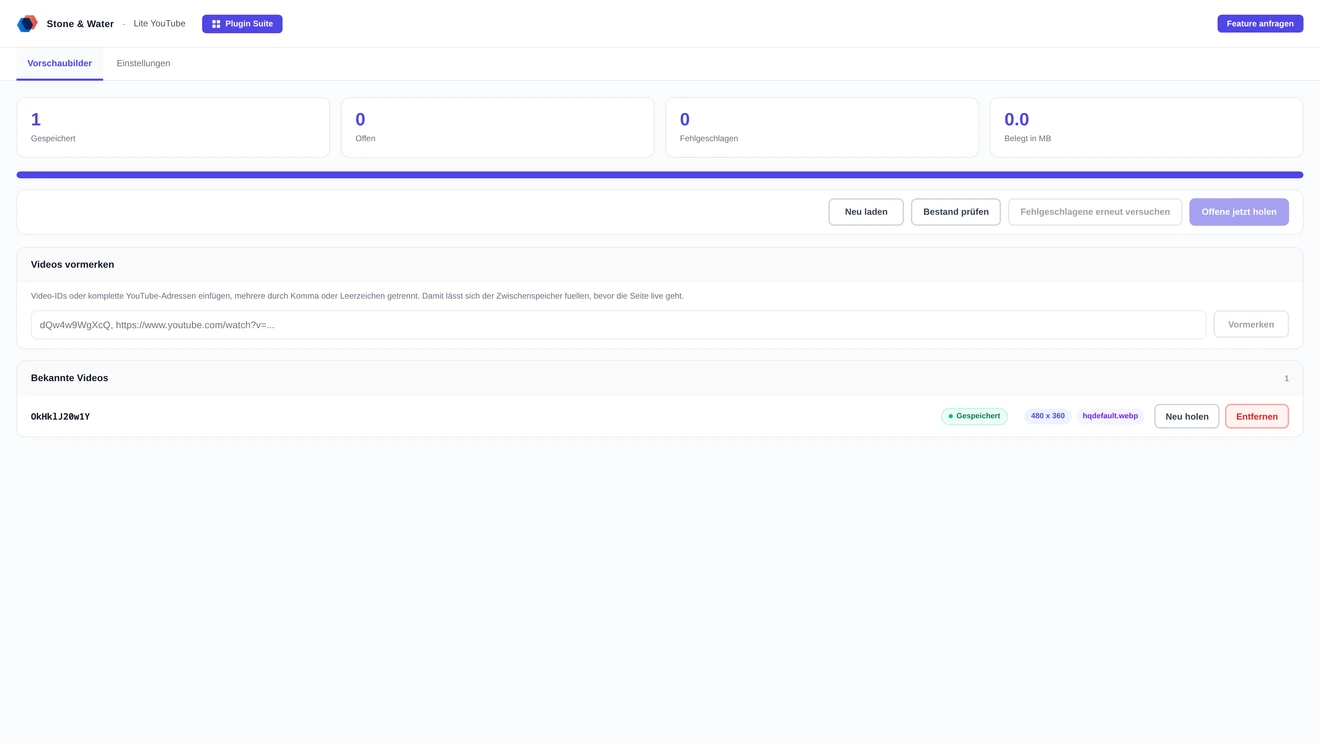
The server fetches each preview image once and stores it in the shop. Visitors receive it from there - best appearance with full cookie and IP freedom. Works with S3 or other remote storage too.
If you want no outbound connection whatsoever, a dark background with a play button is shown. Until the click, nothing happens at all.
Settings apply globally or per channel. If a channel deviates, a note lists the affected fields - and a button resets it to the default.
An include list restricts the conversion to individual pages; a star at the end acts as a wildcard. That allows measuring one page before switching the whole shop.
A second list excludes individual paths. It is checked first - useful for landing pages where a video should play immediately.
Preview images are fetched as WebP by preference and fall back to JPEG where only that exists. The chosen size is an upper limit; if it is missing for a video, the next smaller one is used.
The replacement happens on the server on the finished HTML. The visitor never receives an iframe in the first place.
Preview images can be delivered from an address you enter yourself - meant for delivery networks Shopware does not know about. The setting applies per sales channel, with a preview of the resulting address. If a delivery network is configured in Shopware, it is used without any setup; the address is built on every request, so a switch takes effect at once.
Fetching starts only after the page has reached the visitor, so it costs no waiting time. At most four images are fetched per page view, and an hourly task works through the queue.
While a preview image is missing on a page, that page is deliberately kept out of the page cache - otherwise the placeholder would freeze there. Videos that gave up after three attempts do not count, so a single broken video cannot exclude a page permanently.
If a theme already registers its own element named lite-youtube, the plugin stays out of the way and leaves it to that implementation. Two implementations would interfere with each other.
If the file system cannot provide a public address, the plugin serves the images through a route of its own, with a cache header of one year.
Videos, load time and privacy in a Shopware shop.
By not loading the player on page view any more. The plugin replaces every YouTube iframe with a preview image and a play button; the actual player only arrives on click. That saves around 0.5 to 1 MB of transfer per video.
No. The plugin works on the fully rendered HTML and replaces the iframes there. It changes no template files, so a theme update cannot disable it. Only a theme:compile is needed after installation and updates.
Without a click there is no connection to YouTube. Whether an IP address reaches Google depends on the preview image: with "store in the shop" it comes from your shop, with "load directly from YouTube" from Google. For complete freedom, choose local storage or no preview image at all.
The server fetches them once per video and stores them in the shop - in the background, after the page has reached the visitor, so it costs no waiting time. The images live in the public file system, which works with S3 too.
Yes. Under "only these paths" you enter a single page, measure with PageSpeed Insights before and after, then empty the field again. Conversely, individual pages can be excluded permanently.
To every YouTube video, whether it comes from the template, from a product description or from a shopping experience. Vimeo, Google Maps and other providers stay untouched, as do videos inside scripts, templates and comments.
Buying directly costs 7.99 euros net per month or 81.50 euros net per year. Paying yearly saves 15 percent. All prices are exclusive of VAT.
The storefront keeps running and already converted videos stay converted - visitors notice nothing. Only administration and the fetching of new preview images are locked.
Two routes, the same feature set - pick whichever suits your setup.
All prices net, plus VAT.
You buy the licence directly from us and receive an invoice from us. Installation by upload in the admin without SSH, updates through our licence platform, support straight from the developer.
The plugin will be listed in the official Shopware Community Store. Installation and automatic updates then run through the plugin manager in the backend, billing through your Shopware account. We will link it here as soon as it is available.